What's new in the Skedulo Plus mobile app (3.25.0)
1 October 2026
Mobile AppSchedulersMobile UsersAdministrators
Version 3.25.0 of the Skedulo Plus mobile app gives admins more control over what workers see and helps workers keep their availability accurate, along with improved stability across iOS and Android.
What's new
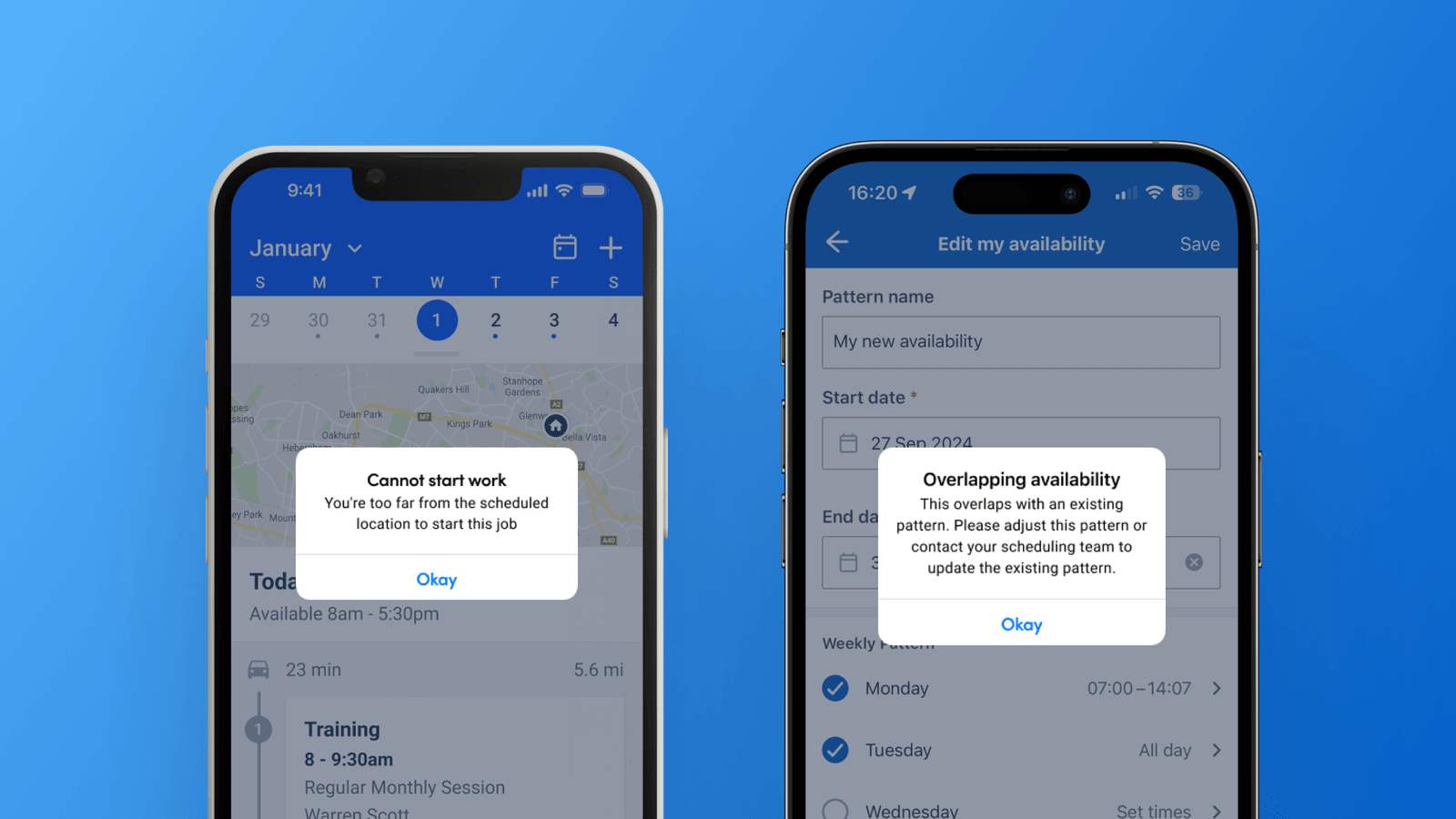
Choose what geofence info workers see. If a worker is outside the geofence radius you've set, the app stops them from starting the job and tells them exactly how far away they are, for example, "more than 3 kilometers away." Admins can now turn off the distance, so the app just tells the worker they're too far from the scheduled location. The geofence check itself doesn't change.
The admin setting for this is Mobile settings > Other settings
This setting is disabled by default
Overlapping availability warning. If a worker sets an availability pattern that overlaps one they already have, the app now tells them so they can fix it before saving.
Hide the All Day availability option. Admins can now remove the All Day option from availability, so workers always set specific times.
The admin setting for this is Mobile settings > Availability
This setting is disabled by default
Improved stability and performance. Ongoing performance work on iOS and Android makes the app smoother and more reliable, with fewer interruptions.