Release notes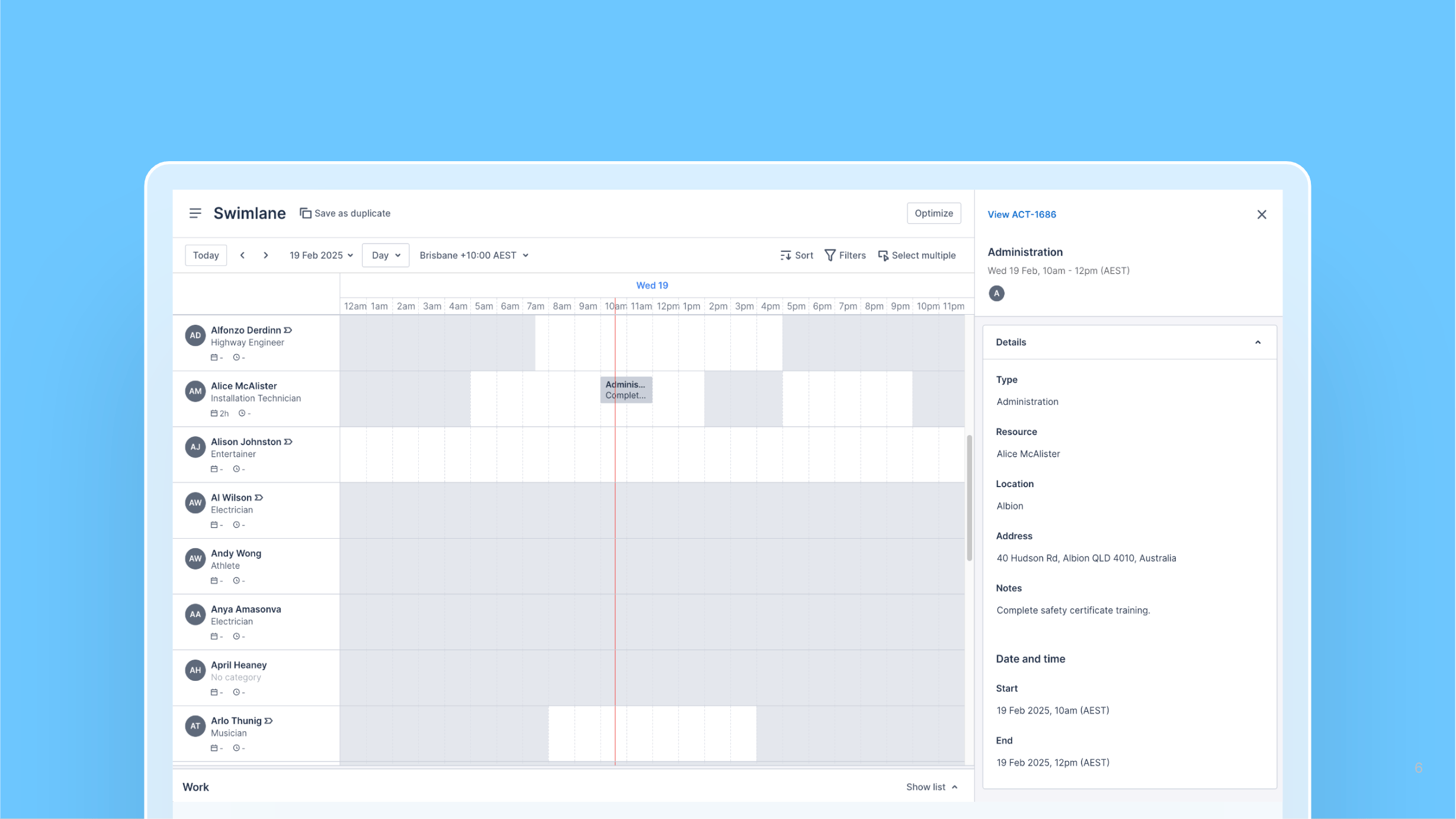
View activity details in the Swimlane
20 February 2025
Web AppSchedulers
Schedulers can now view activity details by clicking an activity card in the Swimlane, which opens a read-only context panel.
Clicking the link at the top of the panel opens the activity’s edit page in a new tab, allowing for quick edits to be made to the activity without disrupting the Swimlane view.