



What's new
In the web app:
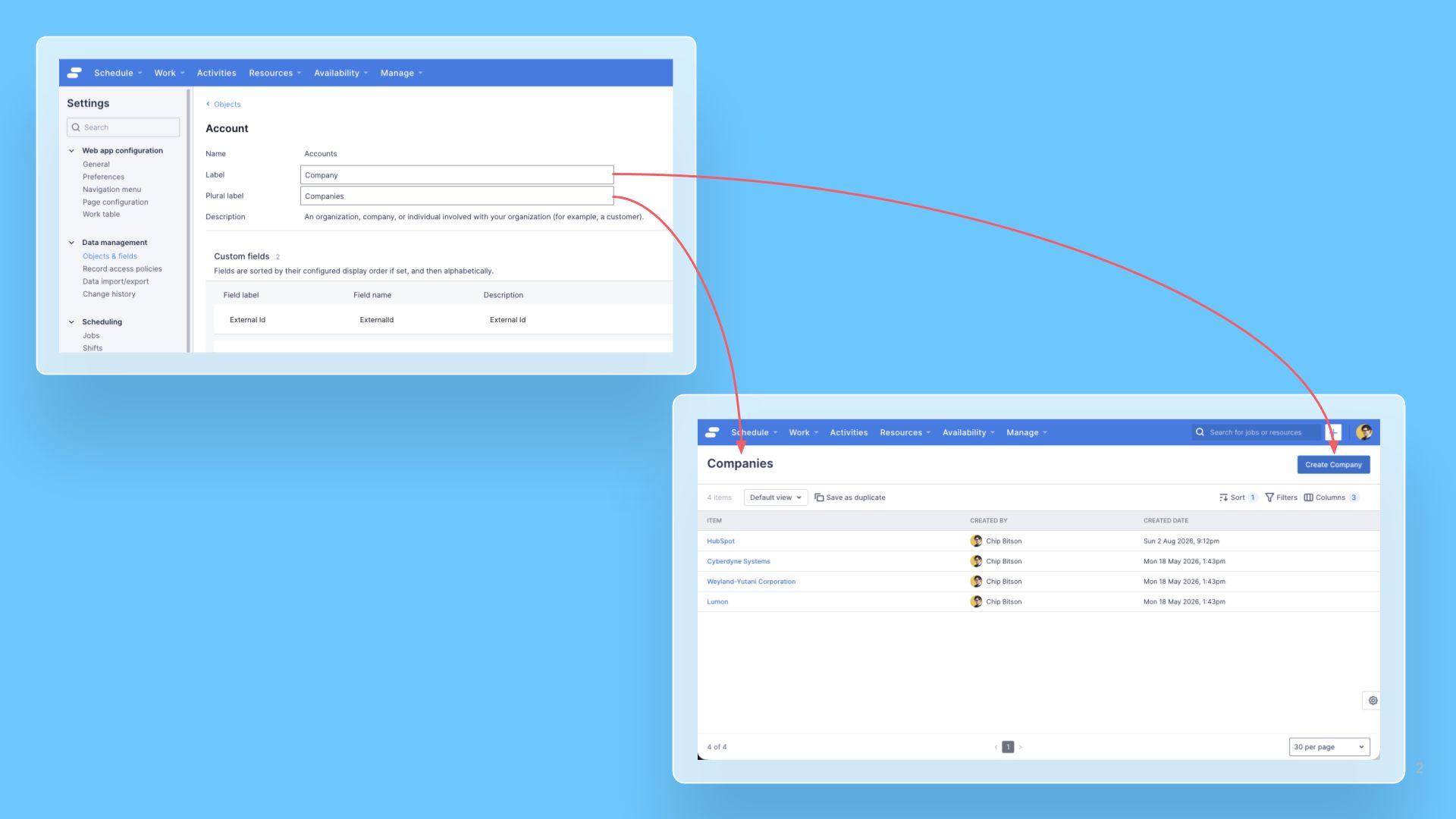
- When you create or edit a custom object, you can enter an Object label and an Object plural label separately, so it reads naturally everywhere it appears (for example, "Company" and "Companies") instead of relying on an auto-generated plural.
- You can override a standard object's label, such as renaming "Jobs" to "Appointments", from Settings > Data management > Objects & fields. The override changes only the display label; it doesn't affect the object's underlying API name or its data.
See Where a customized object label appears for where customized labels are displayed.
Using the CLI:
- You can set the same custom object labels through the custom-object artifact.
- You can override a standard object's label through the standard-object-override artifact.
Access to this feature
This is available on Skedulo Pulse Platform; Skedulo for Salesforce tenants continue to manage object labels in Salesforce, singular and plural labels are supported automatically via field mappings.