Field service scheduling,with the whole job in view.
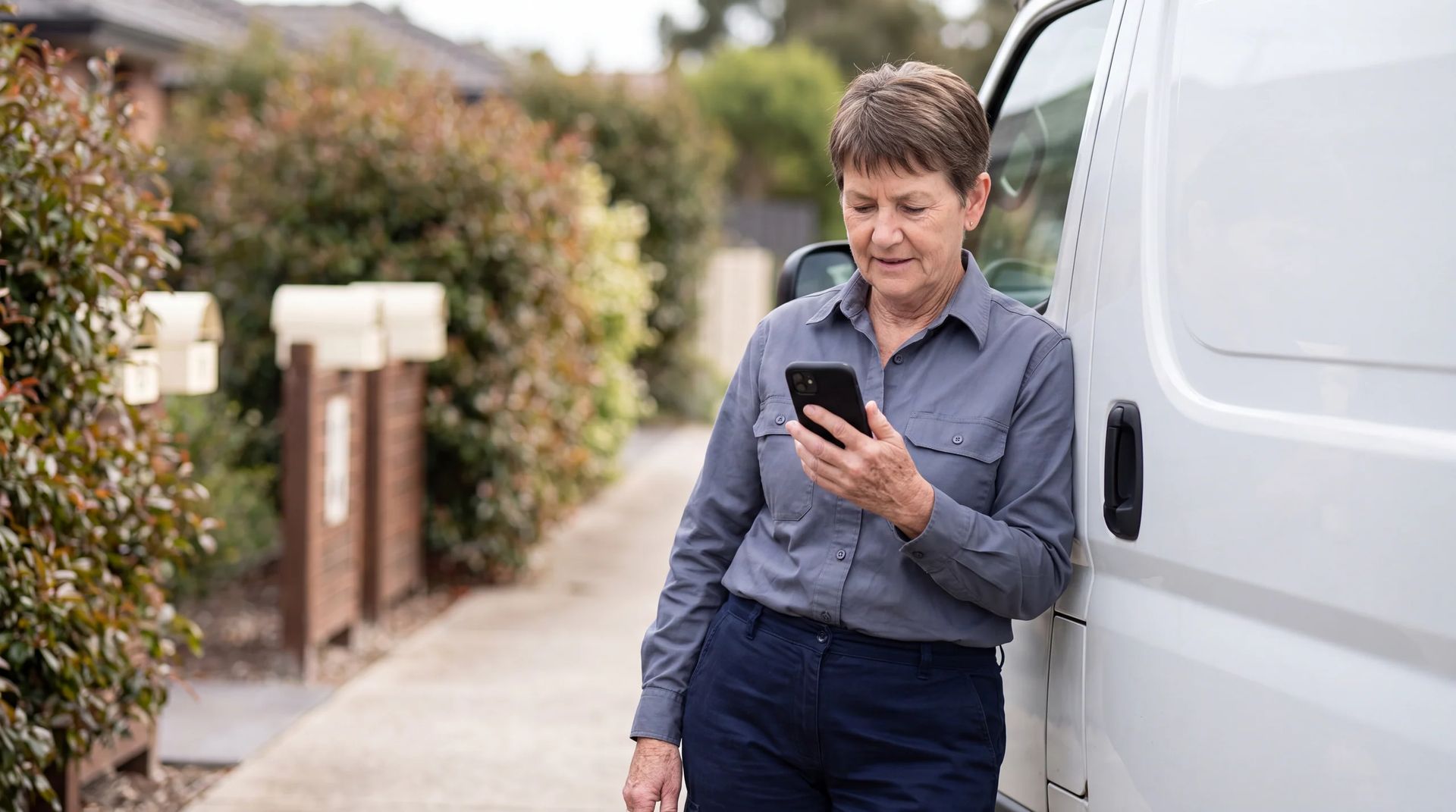
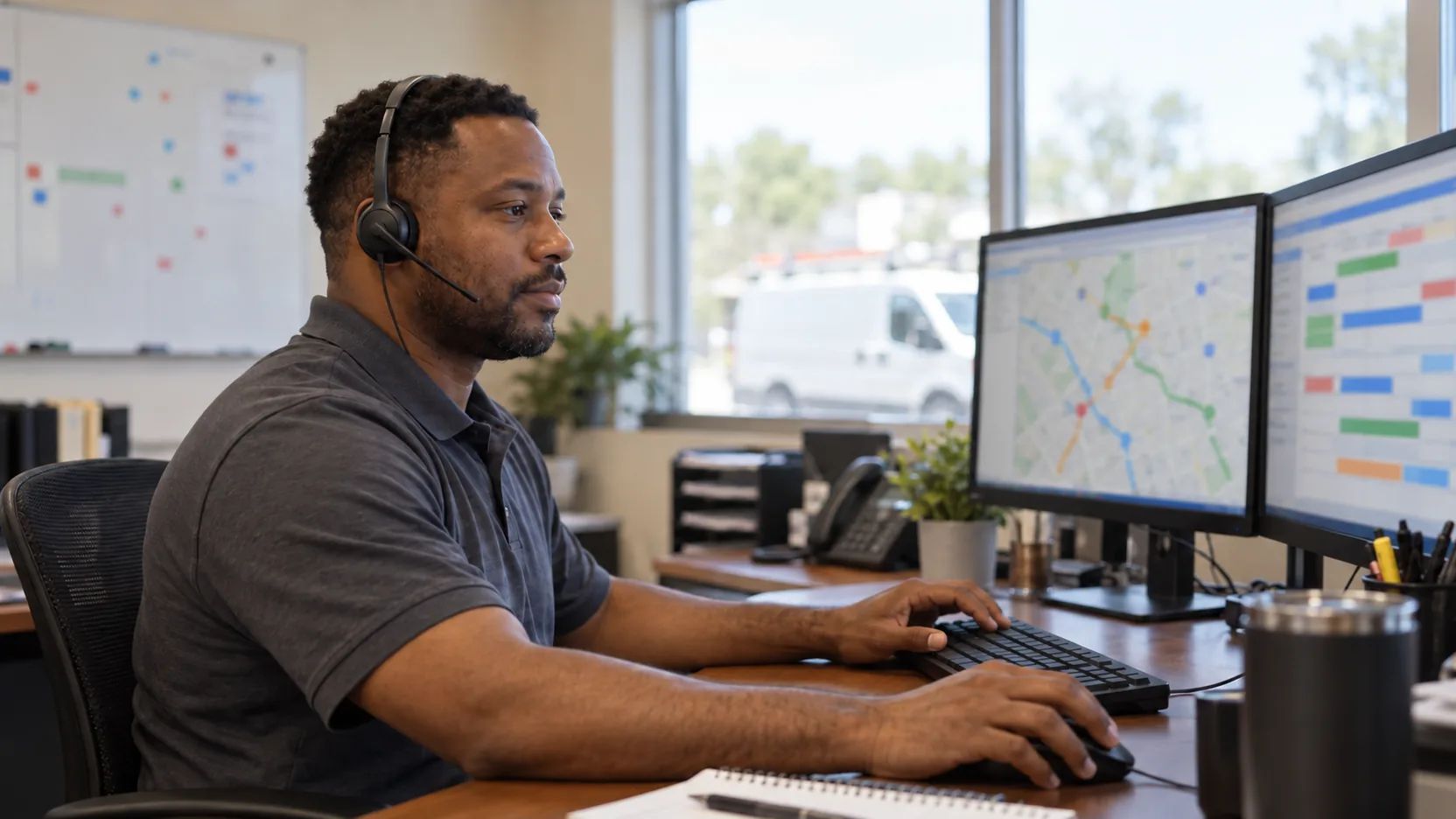
Plan repairs, installations and recurring service around technician skills, travel and customer commitments. Dispatch has the schedule; technicians have the job details and forms on Mobile.
Trusted by teams delivering service in the field.






//Tempo
Work through the dispatch queue with Tempo.
Ask Tempo about waiting jobs, review changes and draft communications with your dispatch team. Tempo uses the relevant work records; available actions and approval steps depend on your setup.
Job running late
A visit is taking longer than planned. Work through the next appointments with Tempo and prepare the updates customers need.
 You
You- Gloria Benitezresource left JOB-4852 at 1:18 PM for JOB-4821 at Pioneer Health Systems, due 2:00 - 2:30 PM.
- A crash on Interstate 25 at Alameda Avenue has her arriving at 2:34 PM.
- Helen Pryorcontact asked to be told of any change.
She'll miss Helen's window and push her 4:00 PM inspection. Let me look at her route and the traffic.
Santa Fe Drive gets her there at 2:12 PM, inside Helen's window, with time to make her 4:00 PM.
Routes to Pioneer Health Systems
arrival in current trafficSend Gloria by Santa Fe Drive and tell Helen
What happens
Hi Helen, a crash on Interstate 25 held Gloria up. She's on another road and will be with you about 2:12 PM.
Thanks for letting me know. 2:15 is fine.
Gloria's on Santa Fe Drive and arrives at 2:12 PM. Helen's fine with it, and her 4:00 PM still holds.
Plan
iWaiting on contextDrafting a planProposed · waiting for youStarted 1:34 PM
Gloria's drive
iJOB-4852 to JOB-4821 · left 1:18 PM
Next job
iWater changeover, 1h 30m · Pioneer Health Systems

New issue
Gloria Benitez is running late to JOB-4821
Travel tracking · Interstate 25 · just now
//Scheduling & dispatch
Skills, crews and travel in one schedule.
Dispatch view
See which jobs are ready, which need an assignment, and which service windows are at risk.
Eligible workers
Find eligible workers using skills, credentials, availability, location, and the rules for each job.
Multi-person crews
Coordinate the required roles and availability for jobs that need more than one worker.
Routes & appointment windows
Balance travel, workload, and appointment windows when building the schedule.
Mobile assignments
Job details, timing and location are available to the assigned worker in Mobile.
//Systems
Service records across your business systems.
Connect field work to your CRM, ERP, and other business systems. Bring in job details and return status, approved time, and completion records through your integrations.
CRM and service
Keep customer requests and job status connected to the service record.
ERP and finance
Share approved completion data with the systems that handle billing.
Payroll and time
Send approved time records to your time or payroll system.
Assets and maintenance
Connect completed service details to the asset record and follow-up work.
BI and data
Bring job data into your reporting tools to understand operational performance.
//Analytics
Where time goes, and where work waits.
Demand and capacity
Compare incoming jobs with available capacity and see where work is waiting.
Scheduling and dispatch
Track assignment times and schedule changes to find recurring delays.
Travel and utilization
See how travel and job time are distributed across the team.
Service delivery
Review arrival times, completed visits, and jobs that need follow-up.
Closeout
Use recorded job data to identify work still waiting for review or closure.
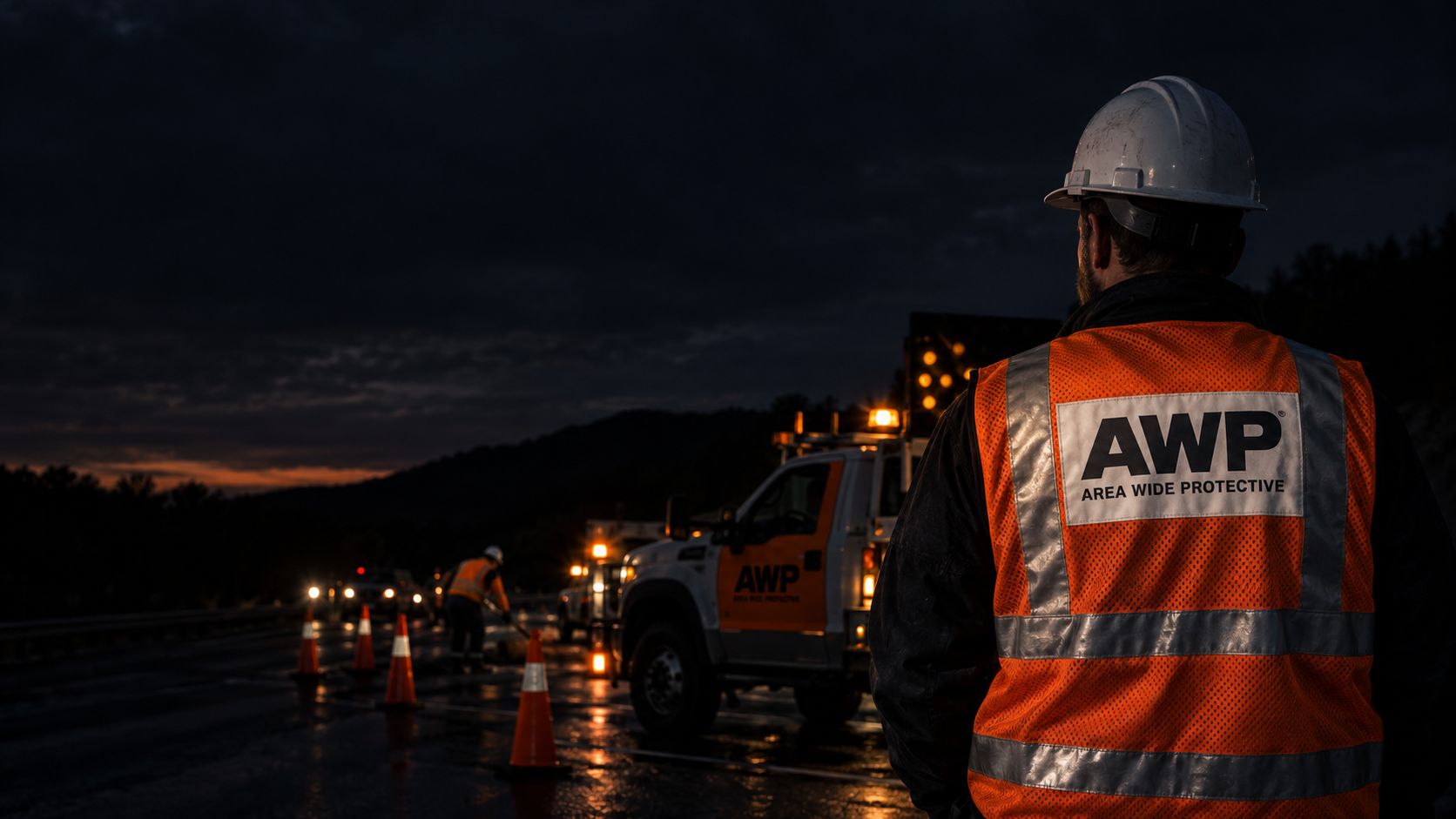
See how AWP keeps track of jobs throughout the day.

“We use Skedulo to enter work orders, gather all the work orders in one system, create jobs, dispatch those jobs, check statuses of all those jobs throughout the day, in real-time.”
Before
- Work orders scattered across separate systems.
- Job status tracked by phone and memory.
With Skedulo
- One system for work orders, dispatch, and status.
- Real-time visibility into every job in progress.
Outcome
- Job acceptance confirmed in half the time.
- Fewer calls to check status.

Let's look at your field operation.
Show us how requests become scheduled jobs today. We'll walk through scheduling, dispatch and Mobile with your requirements in mind.