


// Forms & Checklists
Forms and checklists for frontline teams.
Create forms for your team to complete in Skedulo Mobile, on a job or during a shift. Set required checks and use the responses to guide follow-up.
Trusted by frontline teams.






Use your AI tools to build forms and extensions.




//Use cases
Inspections, visits and shift handovers.
Site and asset inspections
When a check fails, the form can ask for issue details and a photo before submission. Condition and readings remain part of the inspection record.
Service completion and signoff
A closeout form records the resolution, evidence and customer signoff. It can also capture why a return visit is needed and when it should happen.
Installation and commissioning
Equipment readings sit alongside checks, milestones and signoff. An out-of-range reading can bring up additional questions and evidence requirements.
Safety and pre-start checks
When a critical hazard is recorded, the form can display required controls and require a response before completion. Pre-start instructions remain part of the checklist.
Care and home visits
During a visit, record notes against the required steps. If you record an exception, the form can show approved escalation instructions and ask what follow-up is needed.
Shift handovers and readiness
Record completed checks and unresolved issues for the following shift, including their status and the person responsible for follow-up.
//Mobile extensions
Build custom pages in Mobile.
A mobile extension can combine related records and actions on a custom page. Build it on our Pulse Platform for processes such as inspecting several assets at one site or recording parts used on a job.
Parts, materials and equipment
Build a page to search a catalog and add line items with quantities. It can attach evidence and update related job records.
Multi-asset inspections
An inspection can bring together the site's asset records, grouped by floor or area. Record defects and annotate images against the asset while tracking progress.
On-site payments
Build a custom page to display an approved invoice or amount due and open a payment flow such as Stripe-hosted checkout. Returning payment status to the job requires the appropriate integration.
Time, expenses and allowances
Create a page for entries with categories and receipts, with totals to review before submission.
Actions from the job
Add actions to call a contact, send an SMS or email, open directions, view a related record or create follow-up work.
//Analytics
Report on form responses.
Use connected reporting to review completed forms, failed checks and corrective work. Available measures depend on the captured data and reporting setup.
Completion rates
Report on completed forms against the expected total.
Failed checks
Review failed checks by form and team.
Open corrective actions
See who owns each action and how long it has been open.
Form completion time
Measure the time between opening and submitting a form.
Customer stories.

“We currently complete around 23,000 individual inspections per annum. Skedulo enables us to schedule, allocate and monitor completion of these jobs across a wide range of technicians and subcontractors.”


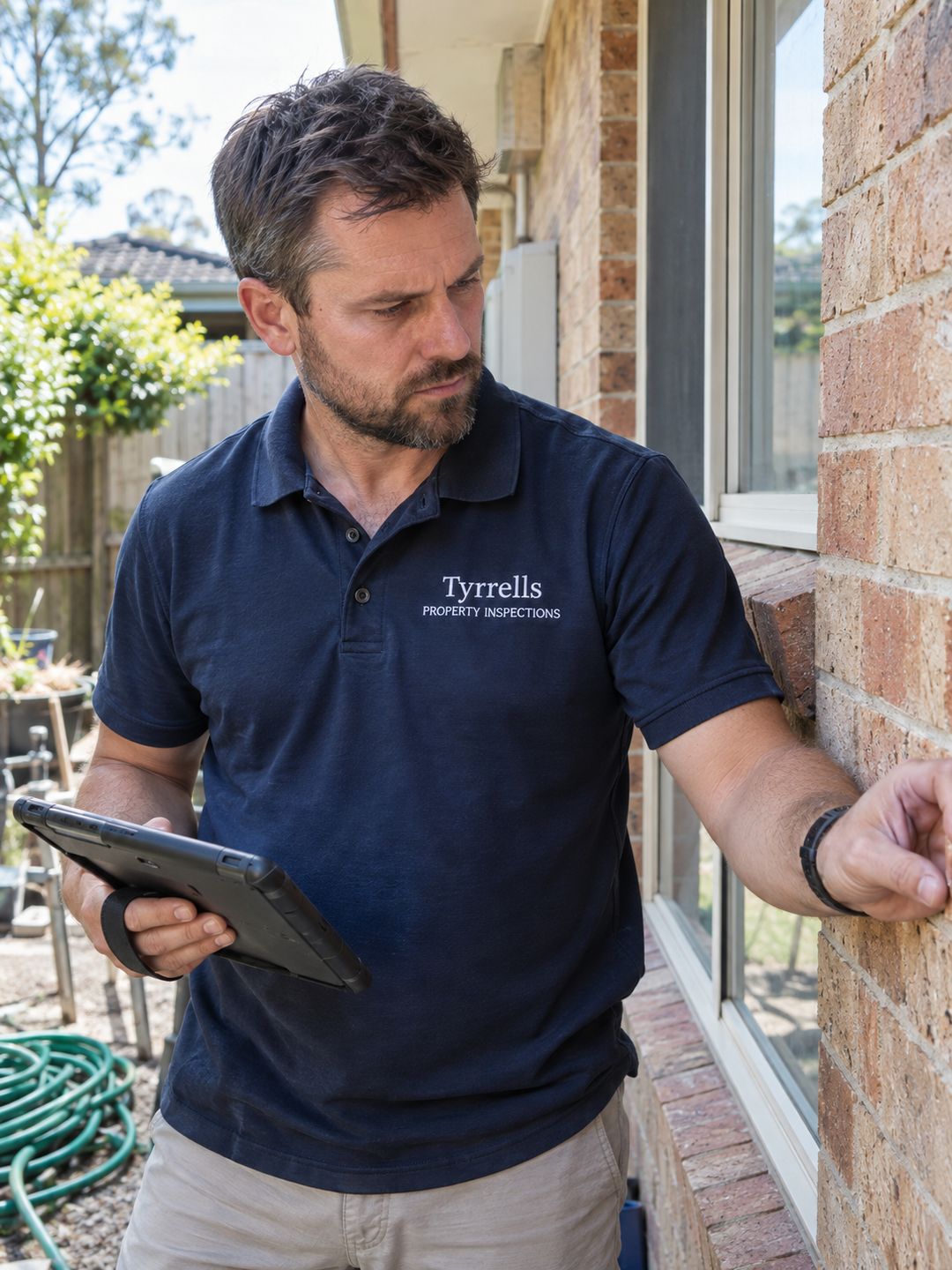
“It was a very smooth and easy transition. With Skedulo, you hit dispatch on the job and that's it!”


See Forms & Checklists in action.
Talk with us about the forms your team uses and what you would like to change.