


// Messaging
Team messaging, built into Skedulo.
Office and frontline teams can talk in the apps they use to manage work. Send a direct message, discuss a job in a team channel or broadcast an update across locations.
Trusted by frontline teams.





//Team conversations
A shared channel for every team.
Use a channel for your region, service team or on-call group. Colleagues can catch up on the discussion and see what's been agreed, even if they weren't part of the original exchange.
Before
After
Shift cover
Discuss cover for an absence in the team channel. Once cover is agreed, make the change in the schedule.
Regional updates
Use a regional channel for site changes, local conditions and questions shared by teams working in the same area.
Service coordination
Discuss customer requests with the colleagues involved, in a conversation the team can refer back to.
//Conversations and controls
Messaging controls for your organization.
Use direct and group messages, or create public and private channels. Administrators control channel creation, membership settings and message editing.
Direct messages
Start a private conversation with a colleague.
Group messages
Message a small group without creating a channel.
Public and private channels
Create public channels people can find and join, or private channels for invited members.
Archive and restore
Archive a channel when it is no longer needed. Permissions determine who can archive it or restore it later.
Messaging settings
Control who can create channels and add members, and whether people can edit or delete their own messages.
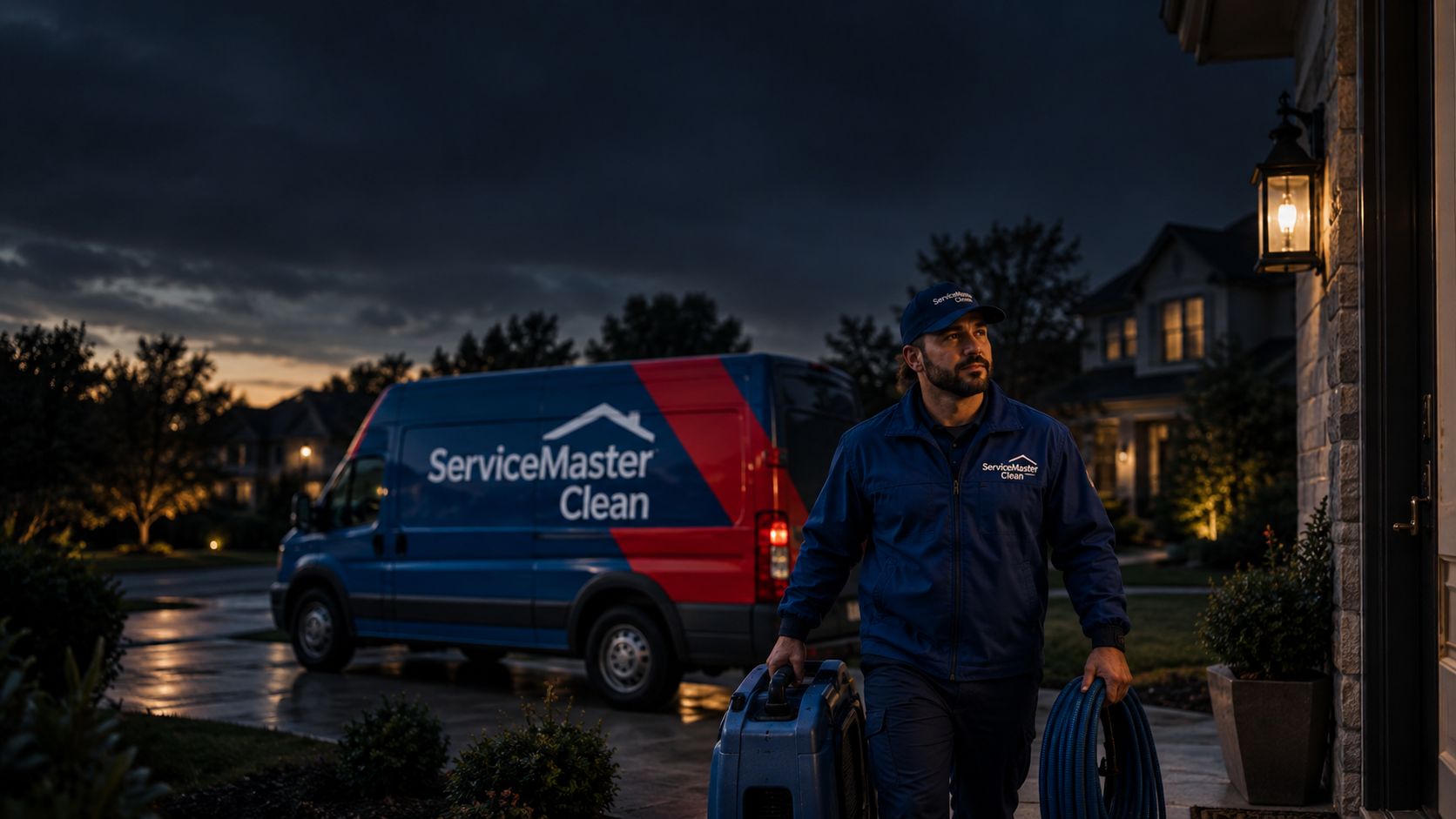
ServiceMaster Clean's experience with Skedulo.

“With Skedulo, you no longer have that trust gap with the information. So if you are going to change a schedule on the fly, or update a work order, you know it's going to the mobile device. It saves a lot of time.”
Before
- Data between the field app and Salesforce broke often, leaving gaps in service histories.
With Skedulo
- Schedule changes and work order updates reach the mobile device reliably.
Outcome
- No more trust gap between a schedule change and what reaches the mobile device.

See Messaging in action.
Talk with us about how your office and frontline teams communicate, and see Messaging in the web and mobile apps.