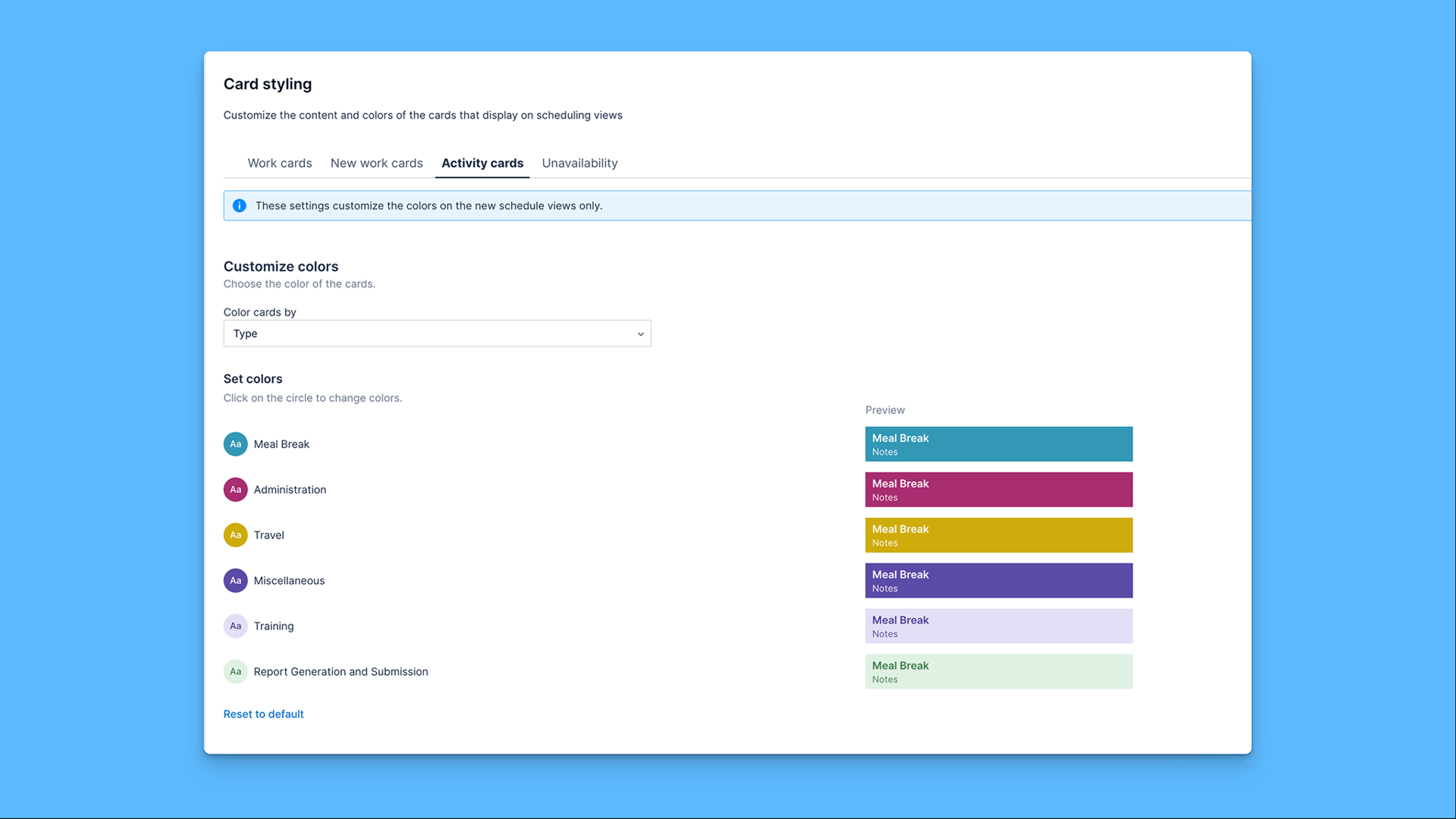
Organization-wide color for Activity cards: Admins can now set a custom color for Activity cards on the new Pulse Scheduling Experience swimlane, making activities such as training, meetings, and breaks visually distinct from work and unavailability at a glance.
Configured in one place: A new Activity cards tab sits inside Settings > Scheduling > Work card styling, alongside the existing Work card and Unavailability tabs. Pick a color from the palette, preview it live on a sample card, and save.
Direct response to long-standing customer feedback: This was one of the most requested scheduling configuration items from our customers. It is now live for all Organizations on the new Pulse Scheduling Experience.