Scheduling the modern workforce


Why businesses love Skedulo

“We regularly hear from clinicians how our centralized, mobile scheduling system is a game changer in the market. It's a huge selling point from a recruiting and marketing standpoint.”


“We knew we had room for overall process improvement and greater efficiency. With Skedulo we’ve improved utilization and reduced costs significantly.”


“Skedulo has really allowed us to scale. We had a drastic increase in our foothold and a drastic expansion and Skedulo was able to scale right there with us.”


“I love knowing where all the team members are at any point and being able to orchestrate everything from the office or home. I can manage everything from the office in a single click and our field team don’t need to worry about a thing. I have more time for me, which is really nice.”


“I was blown away by the capability of the Skedulo team to quickly give us a solution we’ve been able to use for all our testing events. To date, we have now scheduled approximately 1 million appointments. At the height, we had 17 facilities running at the same time, and were managing hundreds of employees.”


“Everything is so much better with Skedulo. I have everything in advance so I can plan and personalize for each client. I like to be prepared so I’m always using the app to look ahead.“


"Skedulo has improved our ability to efficiently match clinicians with families in ways we didn’t see possible before. We can see more children in a day and still give quality treatment but just spend less time driving from home to home. We’ve come a long way!"

“We regularly hear from clinicians how our centralized, mobile scheduling system is a game changer in the market. It's a huge selling point from a recruiting and marketing standpoint.”
“We knew we had room for overall process improvement and greater efficiency. With Skedulo we’ve improved utilization and reduced costs significantly.”
“Skedulo has really allowed us to scale. We had a drastic increase in our foothold and a drastic expansion and Skedulo was able to scale right there with us.”
“I love knowing where all the team members are at any point and being able to orchestrate everything from the office or home. I can manage everything from the office in a single click and our field team don’t need to worry about a thing. I have more time for me, which is really nice.”
“I was blown away by the capability of the Skedulo team to quickly give us a solution we’ve been able to use for all our testing events. To date, we have now scheduled approximately 1 million appointments. At the height, we had 17 facilities running at the same time, and were managing hundreds of employees.”
“Everything is so much better with Skedulo. I have everything in advance so I can plan and personalize for each client. I like to be prepared so I’m always using the app to look ahead.“
"Skedulo has improved our ability to efficiently match clinicians with families in ways we didn’t see possible before. We can see more children in a day and still give quality treatment but just spend less time driving from home to home. We’ve come a long way!"
“We regularly hear from clinicians how our centralized, mobile scheduling system is a game changer in the market. It's a huge selling point from a recruiting and marketing standpoint.”
“We knew we had room for overall process improvement and greater efficiency. With Skedulo we’ve improved utilization and reduced costs significantly.”
“Skedulo has really allowed us to scale. We had a drastic increase in our foothold and a drastic expansion and Skedulo was able to scale right there with us.”
“I love knowing where all the team members are at any point and being able to orchestrate everything from the office or home. I can manage everything from the office in a single click and our field team don’t need to worry about a thing. I have more time for me, which is really nice.”
“I was blown away by the capability of the Skedulo team to quickly give us a solution we’ve been able to use for all our testing events. To date, we have now scheduled approximately 1 million appointments. At the height, we had 17 facilities running at the same time, and were managing hundreds of employees.”
“Everything is so much better with Skedulo. I have everything in advance so I can plan and personalize for each client. I like to be prepared so I’m always using the app to look ahead.“
"Skedulo has improved our ability to efficiently match clinicians with families in ways we didn’t see possible before. We can see more children in a day and still give quality treatment but just spend less time driving from home to home. We’ve come a long way!"





All your work and teams in one place
It can be complicated to manage your deskless workforce, but your employees and customers don't need to know that. The Deskless Productivity Cloud from Skedulo enables any company in any industry to schedule, manage, engage, and analyze their mobile workforce.



Simplify complex schedules in a clean, real-time interface
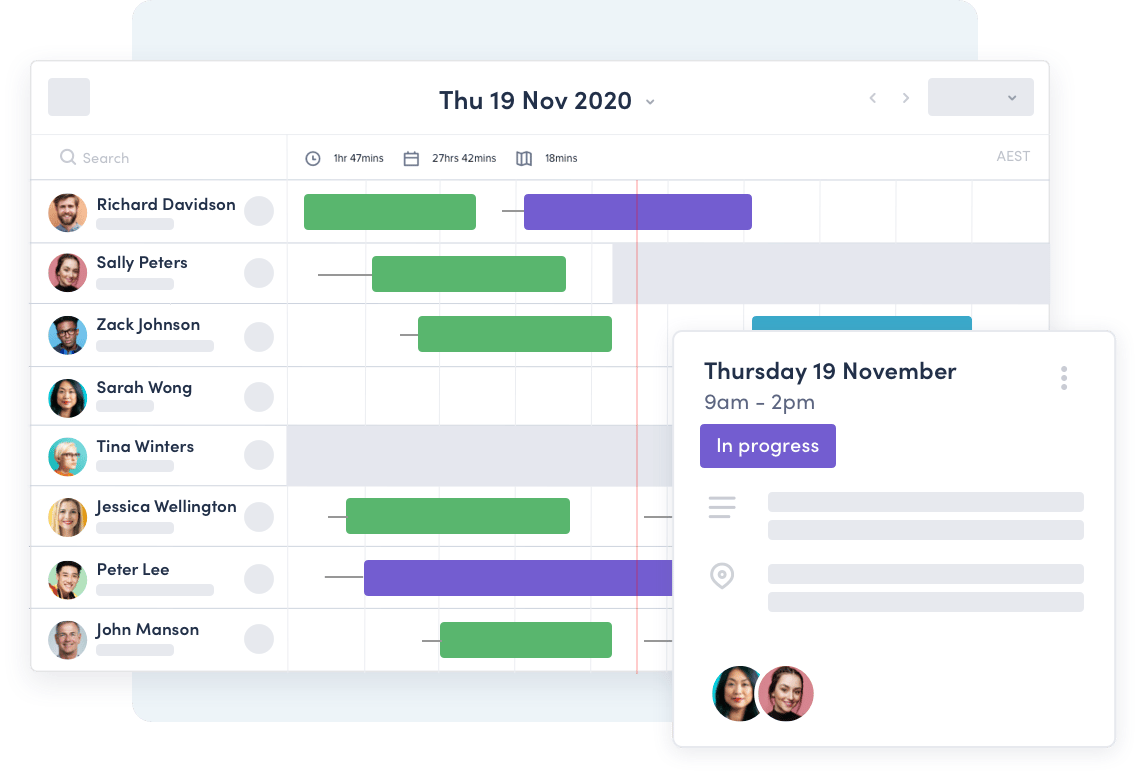
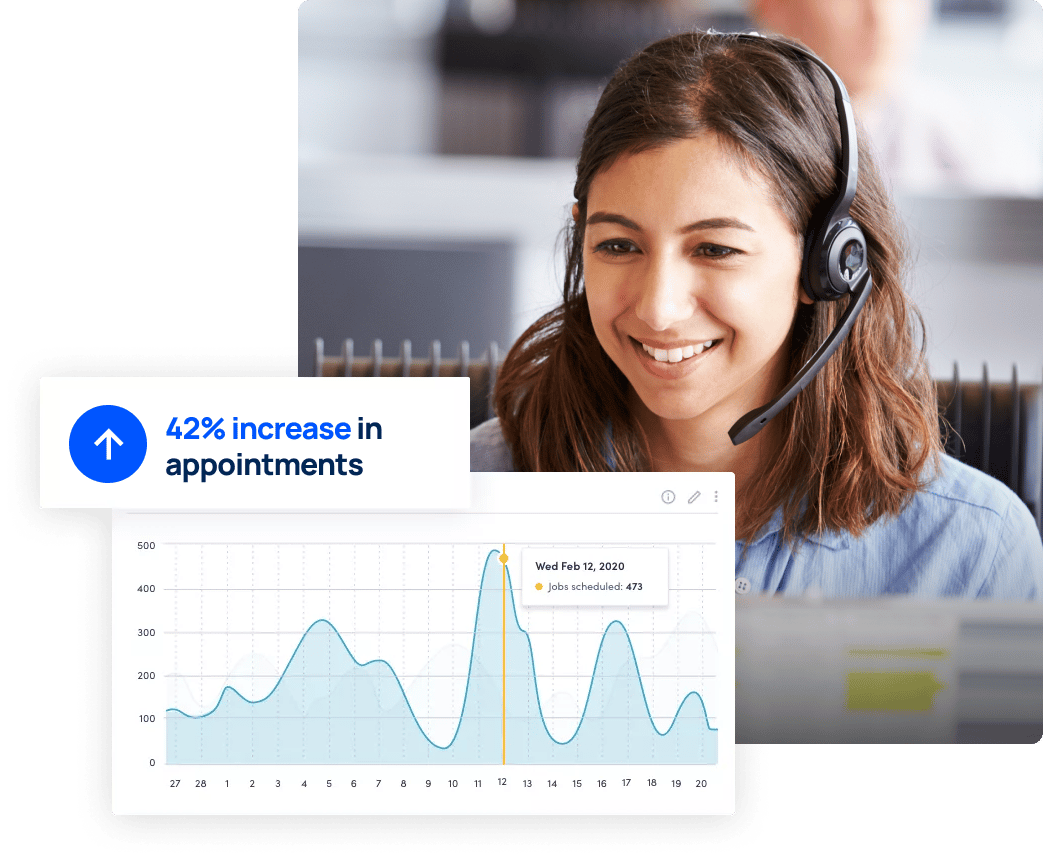
Eliminate the pain of manual scheduling, whether you’re managing field work, appointments, or shifts at fixed locations. Skedulo’s powerful scheduling software makes it easy to get the right person to the right place on time, every time.
Purpose built for the challenges of large scale business
Easily customize Skedulo to fit the way you work. Our purpose-built solutions grow with you every step of the way, no matter the size of your workforce, and integrate with the tools you already know and love.
It's like an office in your pocket
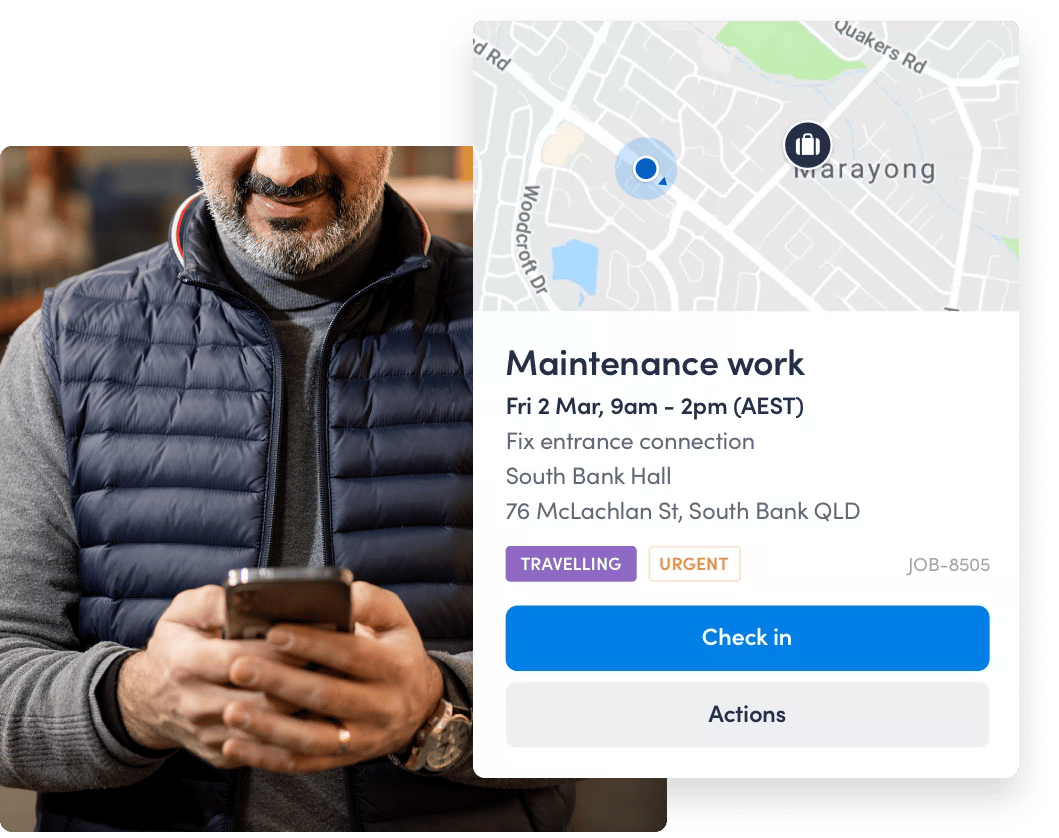
Equip your deskless workforce, wherever work takes them. Keep schedulers and mobile teams on the same page. It’s easy to see work details, schedule changes and status updates. Simply put, it’s everything your deskless worker needs to get their work done.
Measurable impact across your business

Gain the key insights required to make strategic decisions
- 28% increase in visibility of work execution

Transform the way you manage field work from reactive to proactive
- 48% reduction in time to schedule

Become engaged, enabled, informed, and motivated to deliver
- 21% increase in productivity