


What's improved
Time constraints in the Job tooltip: Hovering a Job in the Schedule Preview now shows its time constraints alongside the scheduled time, such as "Must start by Thurs 11 Jun 26 at 1:00pm and end anytime". Jobs with multiple constraints show one row per constraint.
Job ID links to the Job record: The Job ID in the Schedule Preview tooltip is now a hyperlink that opens the Job details page in a new tab.
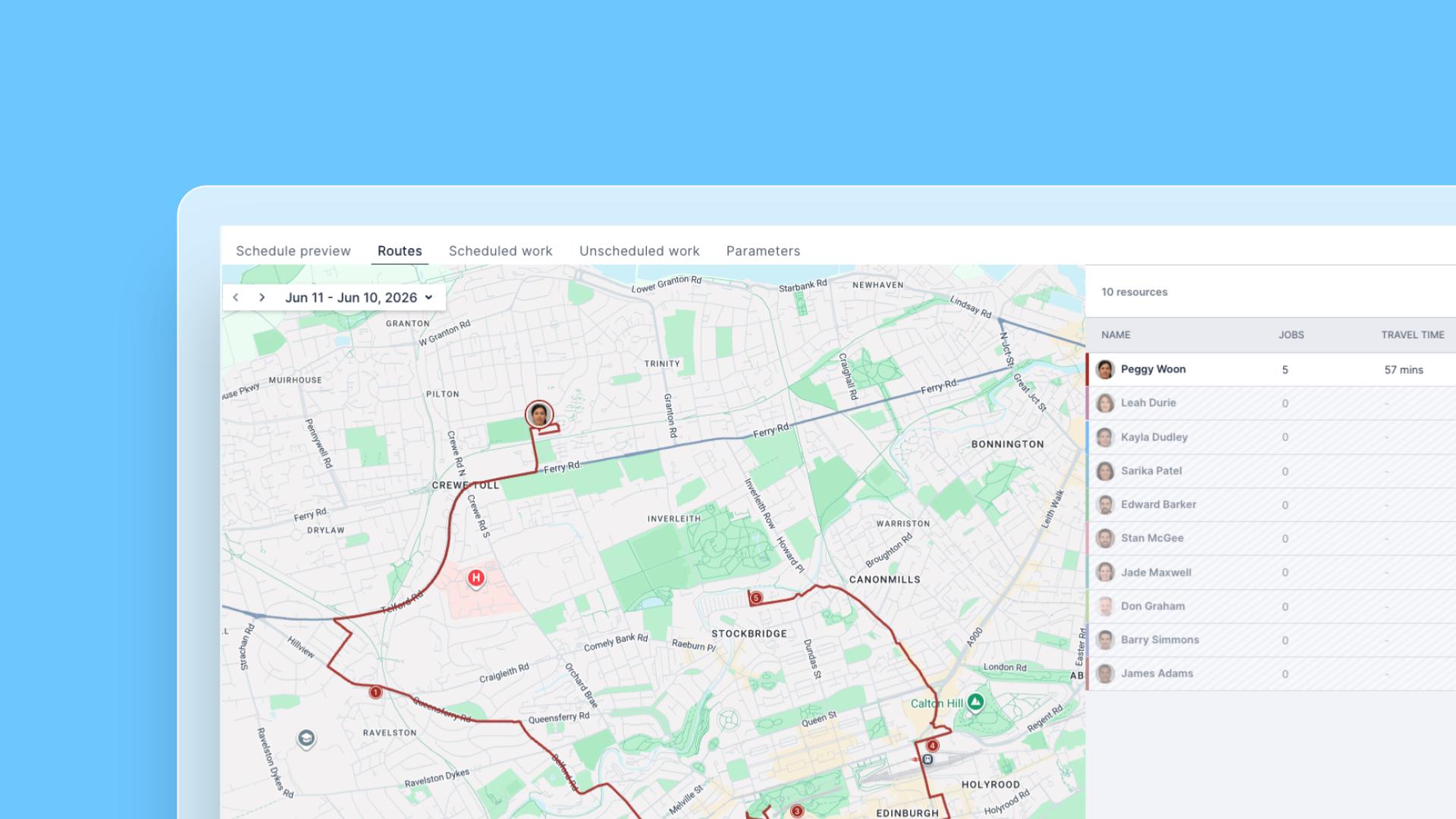
Sequential stop numbers on route maps: Every Job marker on the Routes tab map now displays its visit order for that Resource's day (1, 2, 3, and so on). Previously only the first stop was numbered.
Padlock on locked Jobs: Jobs the optimizer cannot move now display a padlock icon in the schedule preview. Hovering the padlock shows whether the Job was manually locked by a user or locked by the system, for example, as part of a custom extension.
Fixed: slow map loading on the route page
The route page map was slow to load and render, and in some cases displayed stale travel times from a previous calculation. The map now loads promptly and travel times reflect the most recent calculation.
Fixed: Routes search slow to filter and map not following the match
Typing in the search input on the Routes results page was slow to filter the Resource list, and the map only panned to the matched Resource after clicking away. The list now filters as you type and the map snaps to the matching Resource immediately.