

Important
Lumary Compatibility: This version of the AU Healthcare Package is compatible with the following Lumary packages. The following versions of the Lumary packages must be installed prior to updating the AU Healthcare Package.
Contact Lumary for the following package upgrades.
Lumary: 16.5 or greater
Enrite Services: 1.292 or greater
Skedulo Compatibility: This version of the AU Healthcare Package is compatible with the following Skedulo packages. The following versions of the Skedulo package must be installed prior to updating the AU Healthcare Package.
- Skedulo: 102.54 or greater
What's New?
- Unallocated jobs will be displayed in the Service Management Console
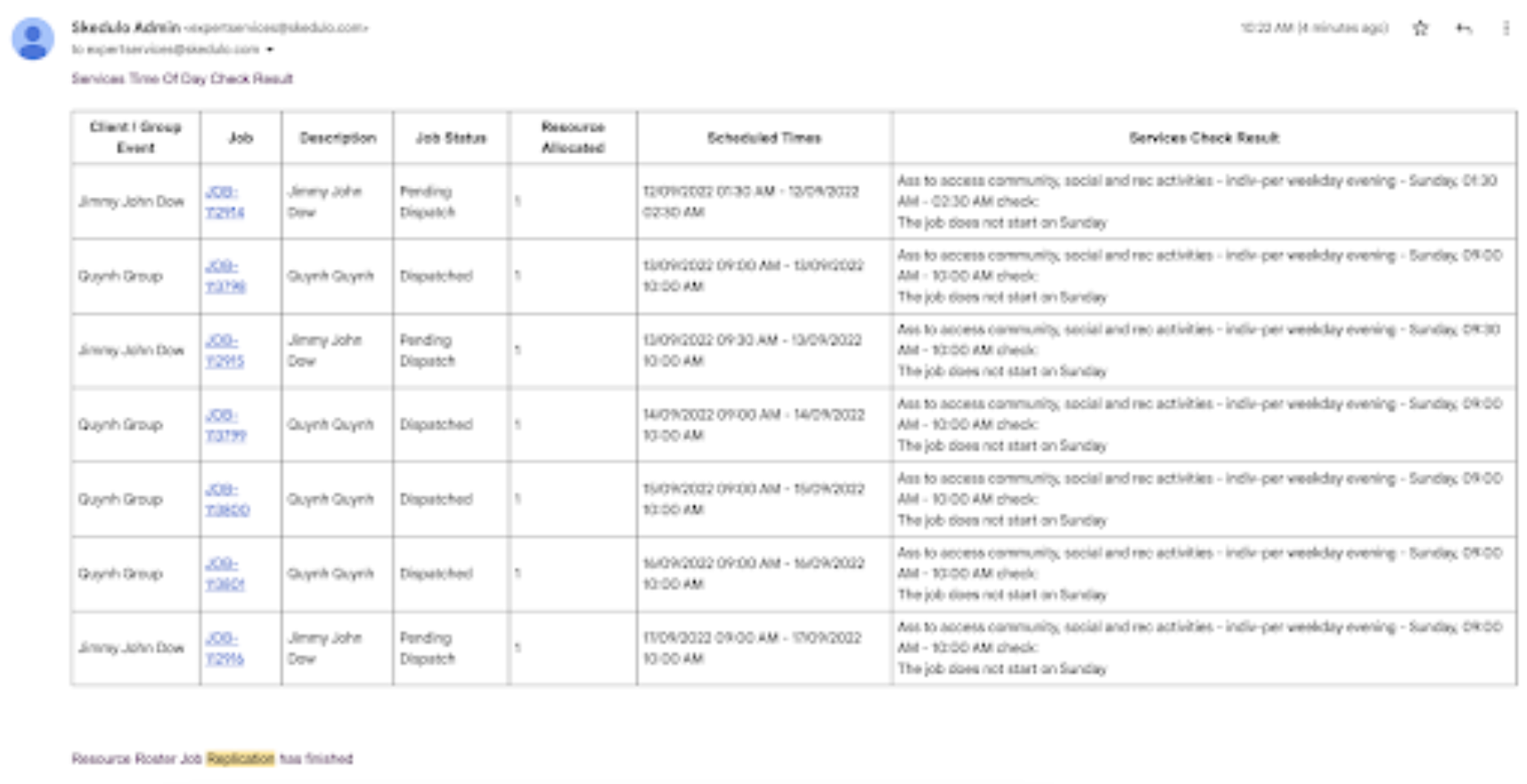
- The JSI will automatically update when a Service Agreement Item is changed on the Service Agreement. In 1.51 If a user updates a Service Agreement Item after the JSI is created the JSI is automatically updated and any recurring JSI's are also updated to show the new SAI.
- In 1.51 there is a new option to create an activity on a ‘monthly’ pattern from the Roster Resource Console. You are now able to create monthly patterns via a pattern builder and calendar view in the same way as you can when creating a recurring job so that you can better manage activities for your organisation.
- The cancel job pop up has been modified by adding a "Billable checkbox" to indicate if a cancellation should create an SD record or not.
We've resolved 7 issues:
- "Update all future jobs" pop up appears when creating a new job in Base Roster when it shouldn’t appear.
- Unable to add Clients for all future jobs. From now on, customers can update all future jobs and add more clients to all jobs in a Recurring Schedule.
- Roster Management - additional field is not visible in Shift (picklist) - In version 1.51 additional field is available to use.
- Ignore SF sharing rules when updating Geolocation - Application ignore Salesforce sharing rules when updating Geolocation for Resource records
- Service Delivery Record is created after completing a job even when the custom setting indicates SDR creation on Timesheet Approval - this has been fixed in 1.151
- Claim Type field returned no value on scheduling job - In 1.51 the bug is fixed.
- Claim Types are not loading once the SAI record type is selected in the job creation window. This bug is fixed in version1.51.
- Some case notes do not appear against the Job - Bug is fixed.
Manual Installation Links
Sandbox: https://test.salesforce.com/packaging/installPackage.apexp?p0=04t1I0000032k3U
Production: https://login.salesforce.com/packaging/installPackage.apexp?p0=04t1I0000032k3U
Please note: You must be a Salesforce Administrator to install this package.