


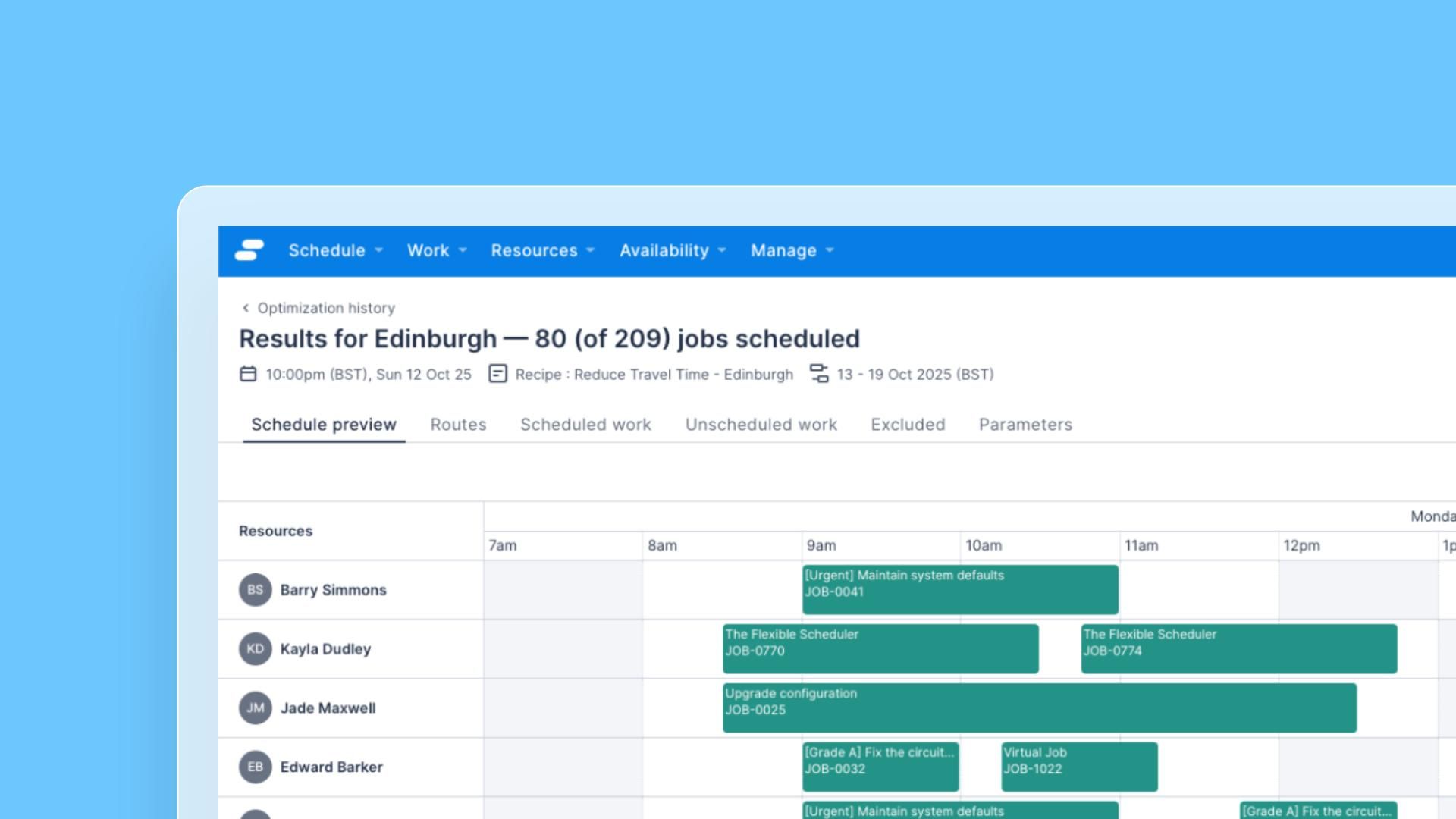


Optimization run results now display only the Jobs submitted for that run, rather than all Jobs scheduled within that time window. This makes result summaries, like “80 of 80 jobs scheduled” accurate and meaningful, reflecting exactly the work you asked the optimizer to handle.
Previously, results included all Jobs scheduled within that time window, not just the ones you submitted, causing counts to appear inflated and making it difficult to evaluate optimizer performance on the specific work requested.
What’s changed
- Cleaner result counts: The results page reflects only your submitted Jobs, so the numbers you see map directly to the optimization run you triggered.
- Opt-out available: Organizations that prefer the previous behavior can enable “Show all scope jobs and resources in optimization results” under Beta Features.