Release Notes
This page contains announcements and updates for all the latest updates to Skedulo products
- 3 Oct
AU Healthcare v2.2 is now available
This release introduces the beta version of the Allied Health Calendar, adds job status filters to the Scheduling Console, and increases the character length for budget-related fields.
 AU Healthcare (Healthcare)Healthcare PackagesAdministratorsSchedulers
- 3 Oct
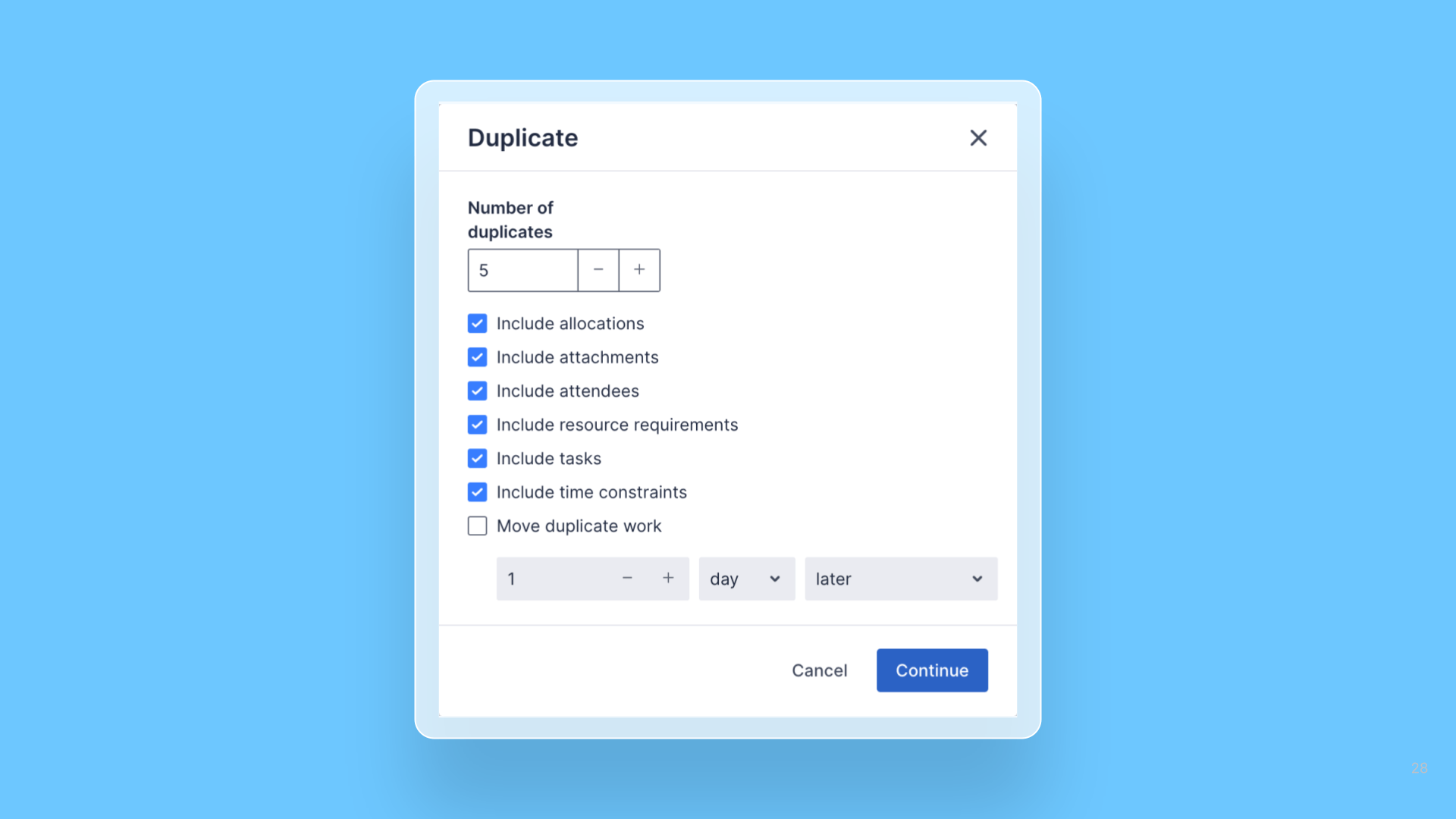
Create multiple duplicates of a job in one action
The duplicate job feature in the Pulse Scheduling Experience has been updated to allow for multiple duplicates to be made at once.
 Web AppSchedulers
- 3 Oct
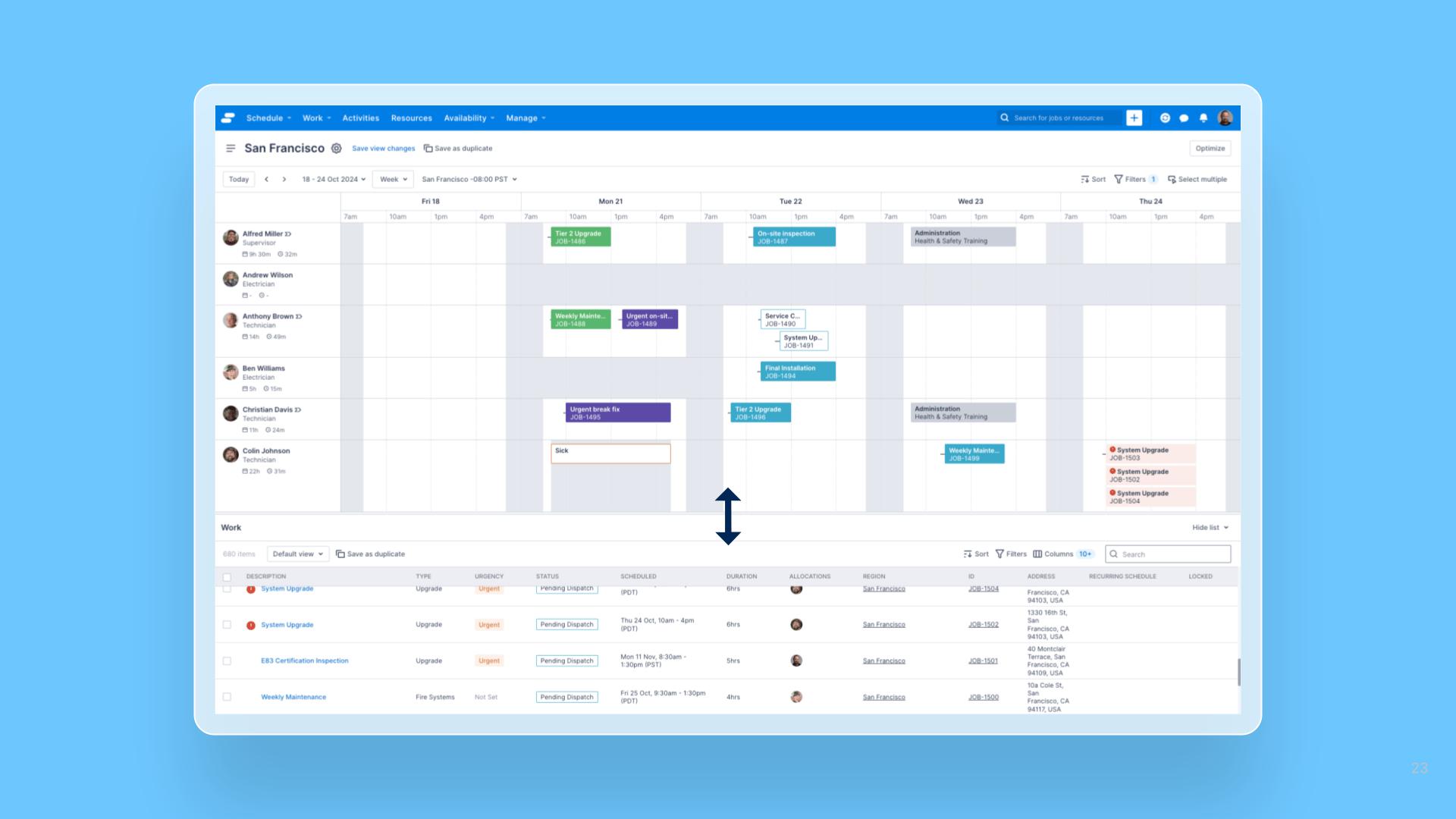
Resizable Work List in the Pulse Swimlane
The height of the Work List in the Pulse Scheduling Experience swimlane is now adjustable.
 Web AppSchedulers
 - 1 Oct
AU Healthcare + Employment Hero Integration v2.4 is now available
Includes enhancements to sending Work Type/Leave Type to Employment Hero when submitting Leave Shifts as Timesheet Items, and bug fixes.
 AUHC + Employment Hero (KPAI)Healthcare PackagesAdministratorsSchedulers
 - 26 Sept
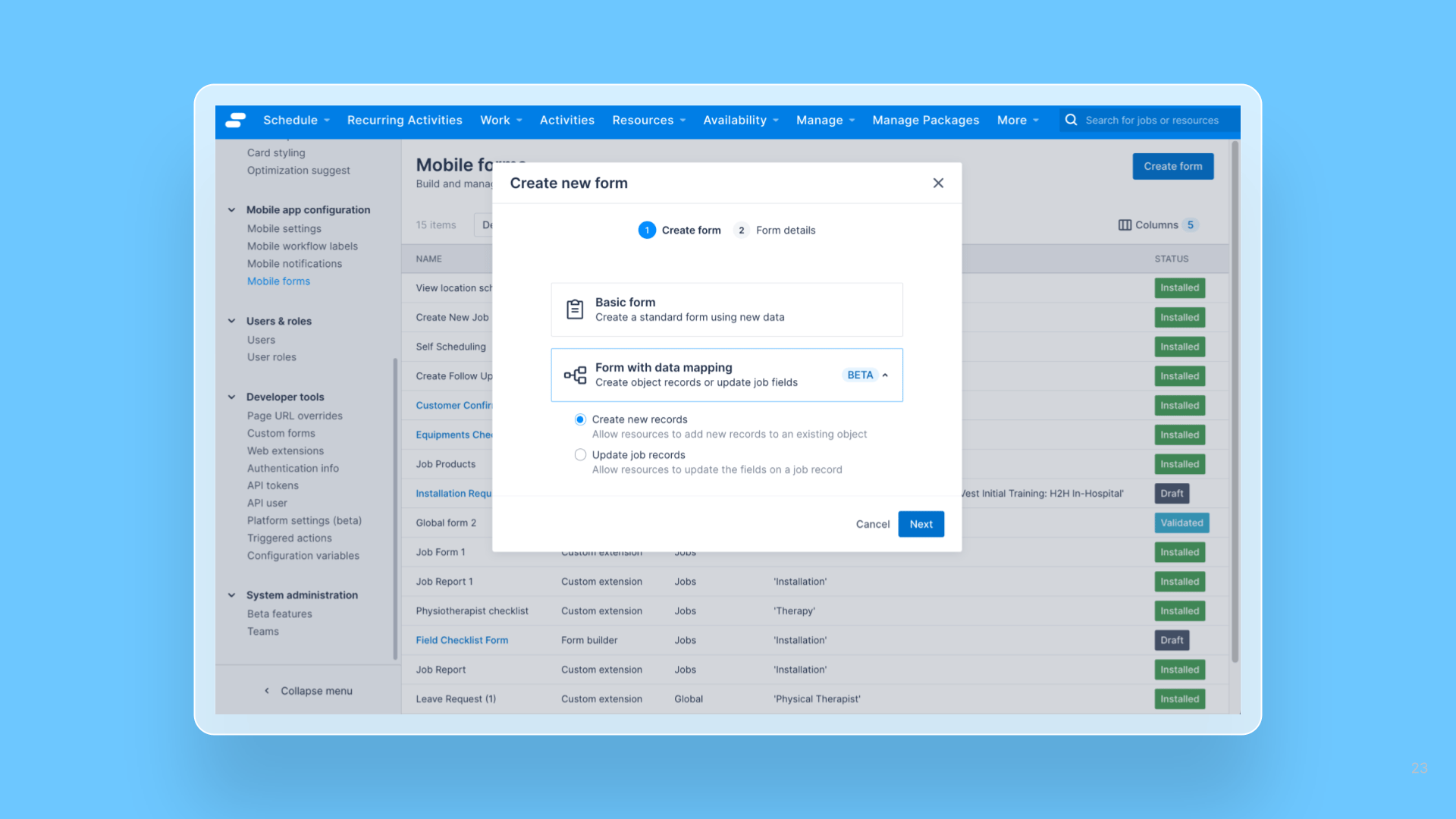
Form Builder – Custom data mapping is now available in Beta
Administrators can now link data collected from mobile forms to the Jobs object or any custom objects.
 Mobile AppAdministrators
 - 26 Sept
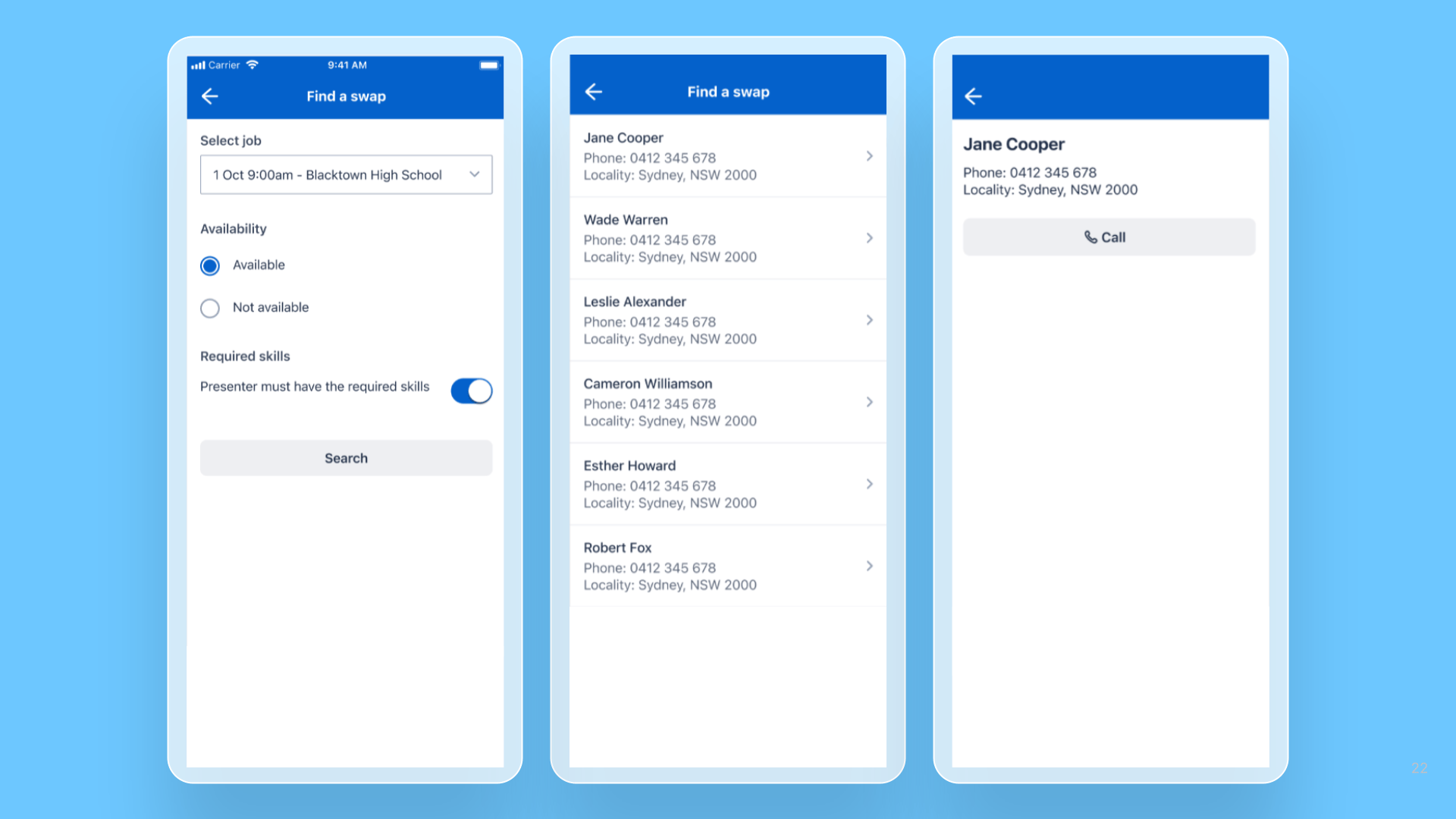
MEX Framework – A new way to structure the Search experience
The landing page now can show the search criteria, and the search results will be available on the next page
 Mobile AppDevelopers
 - 24 Sept
Control visibility of Virtual meeting section on Job details screen
The visibility of the Virtual meeting section on the Job details screen in the Web app can now be controlled via a new general setting.
Web AppSchedulers - 24 Sept
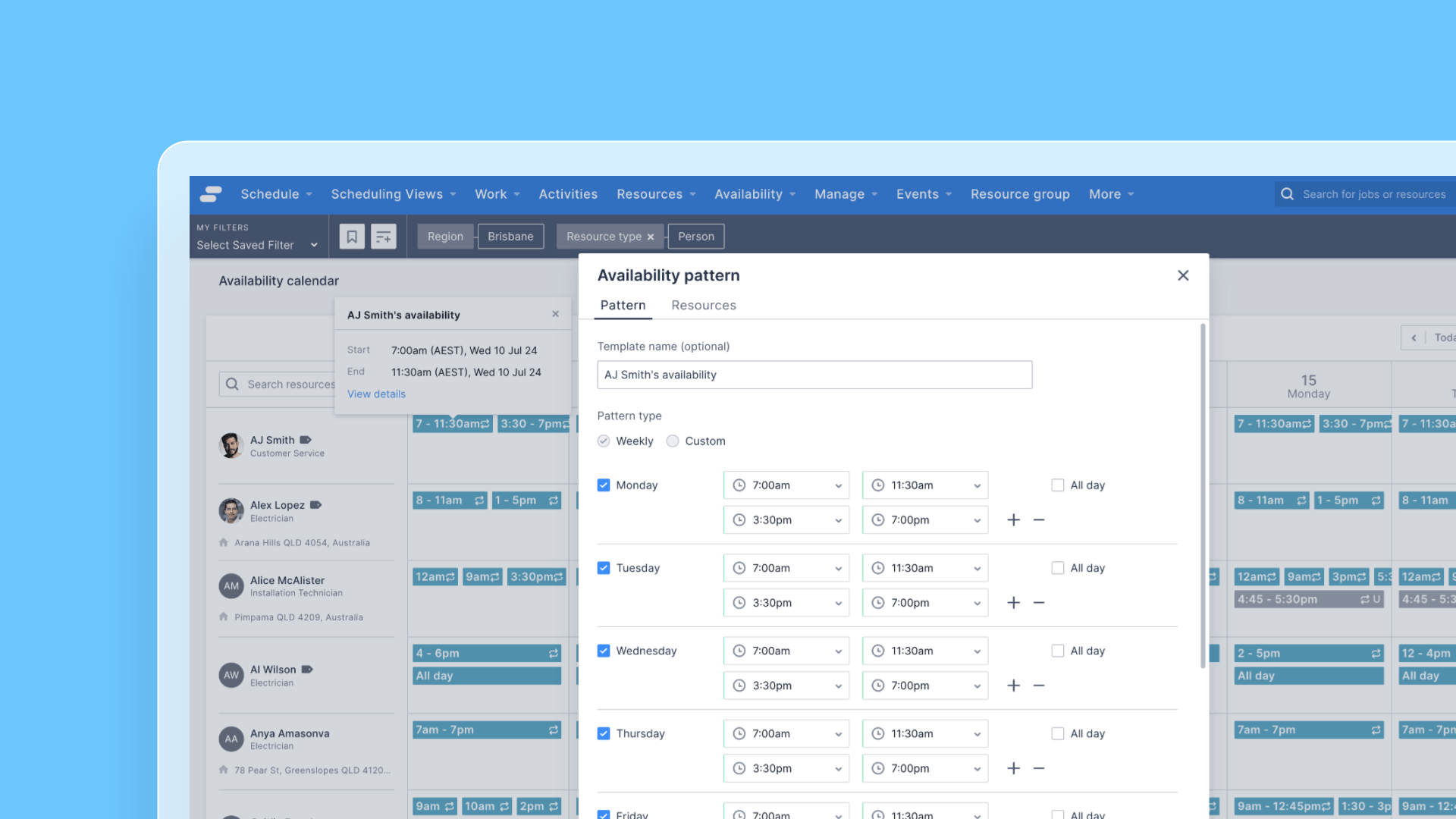
Multiple time intervals in availability patterns
Availability patterns have been enhanced to allow multiple availability times to be defined per day, expanding the flexibility of the types of working hours that are supported for resources
 Web AppSchedulers
 - 23 Sept
Interval Parameter for the Grid Schedule API
The /grid/schedule API now supports an “interval” parameter, allowing developers to request available timeslots at custom intervals, independent of job duration. If no interval is specified, the job duration will be used by default.
Web AppDevelopers - 16 Sept
Skedulo Plus – Patch Release 3.8.1
We have released a patch version 3.8.1 to address several issues to unblock customers for upgrading to Skedulo Plus
Mobile AppAdministratorsMobile Users